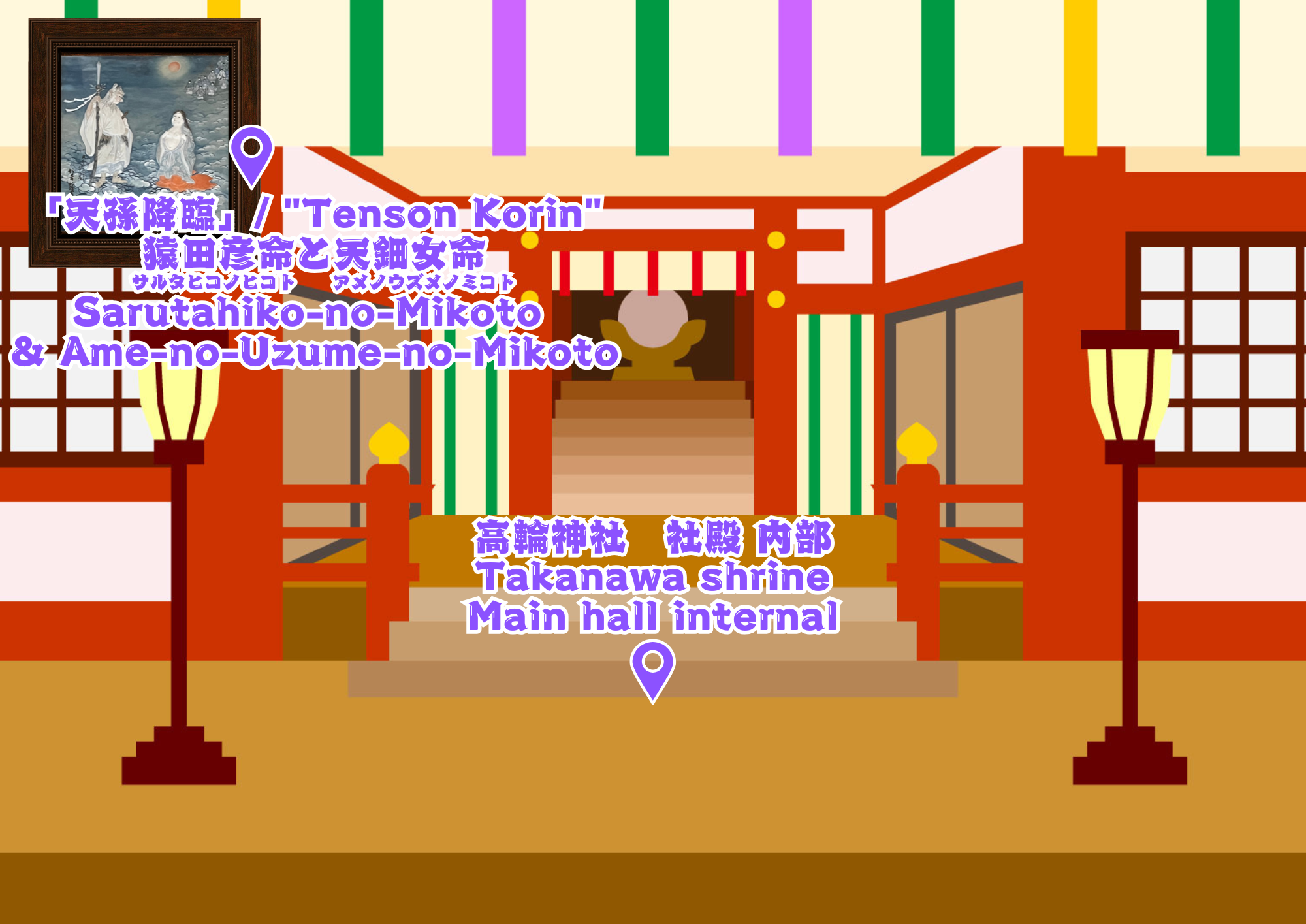
The map icon is a VR 360-degree image!
●For PC users
Touch the icon for the location you want to view →
It’s like you’ve been warped there! You can view in 360°♪
+For VR headset users
Touch the square icon in the upper right →
Enjoy in VR mode!
● For smartphone users
Touch the icon of the location you want to display →
A message will appear on the screen saying “This immersive website requires access to your device’s motion sensors.” Select “Allow” →
A message will appear saying “We’re requesting access to your motion and orientation.” Select “Allow” →
It’ll be like you’ve been transported there! Enjoy a 360° view!
地図のアイコンは、VR360度画像になっています!
●パソコンの方
表示したい場所のアイコンをタッチ→
そこにワープしたかの様に!360°ご覧になれます♪
+VRヘッドセットの方
右上の四角いアイコンをタッチ→VRモードでお楽しみいただけます!
●スマートフォンの方
表示したい場所のアイコンをタッチ→
This immersive website requires access to your device motion sensors.(この没入型ウェブサイトは、デバイスのモーションセンサーへのアクセスが必要です)と画面に出るので、Allow(許可)を選択→
“動作と方向“へのアクセスを求めています を、許可を選択→
そこにワープしたかの様に!360°ご覧になれます♪
↑The QR code above features an AR pop-up effect!
①Turn on your smartphone camera and point it at the QR code above (enable location access in Settings beforehand).
②Select Allow, OK, and Close.
③Something will appear in the space♪
↑上記のQRコードは、ARが飛び出る仕掛けになっています♪
①スマートフォンのカメラを起動、上記QRコードにかざす(事前に設定で位置情報をONにする)
②許可、OK、閉じる を選択
③空間に何かが出ます♪360°見てね!
コメントを残す